 Algo
AlgoRun your MultiCharts strategies on MetaTrader 5.
Keep your trading logic in MultiCharts and use MT5 as the execution layer. No MQL5 rewrite, no shared-machine requirement, and one EA per MT5 terminal for multiple trading models.




Your strategy environment and execution account are not always the same platform.
Systematic traders often develop, test and manage strategies in MultiCharts while brokers, funded programs and execution accounts are available through MetaTrader 5.
AlgoRoute connects the two environments so MultiCharts remains the strategy engine and MT5 becomes the execution layer.
Rewrite and maintain the strategy twice
Rebuilding logic in MQL5 creates a second implementation, additional maintenance and another execution stack to monitor.
Keep the original strategy where it was built
MultiCharts generates the instruction. AlgoRoute routes it. MT5 handles the authorized execution account.
From strategy signal to MT5 execution.
A simple three-layer workflow separates strategy generation from broker execution.
Trading systems generate the instruction
Your existing MultiCharts models produce entry, exit and position-management signals.
AlgoRoute sends it to the right destination
The Telegram-based communication layer and Relay transmit the structured instruction to the configured MT5 route.
The MT5 Expert Advisor executes
The EA identifies the model and manages the corresponding order on the authorized MetaTrader 5 account.
One strategy environment. Multiple MT5 destinations.
MultiCharts and MetaTrader 5 do not need to share the same machine. Keep the source environment on your primary VPS and place MT5 terminals wherever your execution setup requires them.
MT5 Account AVPS / broker 1MT5 Account BVPS / broker 2MT5 Account Cclient / remote VPSExecution controls built around systematic trading.
Separate machines
Run MultiCharts and MT5 on different computers or VPS environments without a shared local folder.
InfrastructureOne EA, multiple strategies
One Expert Advisor on one MT5 chart can manage signals from multiple identified trading models.
Simpler MT5 setupMultiple destinations
Route the same MultiCharts infrastructure toward different MT5 terminals, accounts or broker environments.
RoutingCustom stop loss & take profit
Configure SL and TP directly in the MT5 Expert Advisor. If the EA stop closes the position, it stays flat until the next valid strategy signal.
Risk controlsScheduled early close
Close positions at a configured time when your workflow requires the MT5 account to be flat before a specific session boundary.
Prop workflowsModel-aware execution
Destination symbol, lot size, reverse mode and model identifiers keep execution configurable and positions attributable to the correct strategy.
Model isolation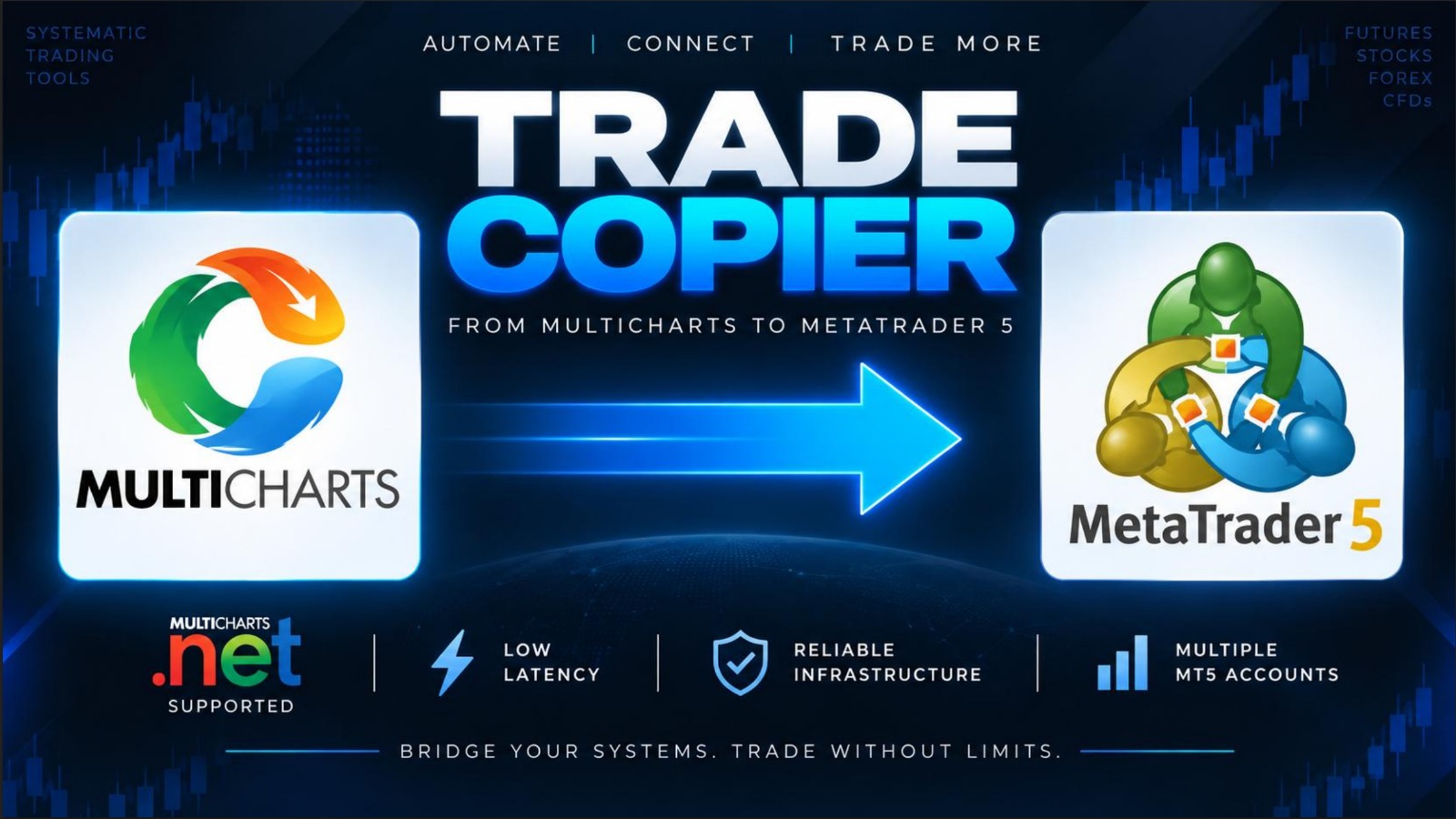
Not a generic copy-trading dashboard.
AlgoRoute was created to solve a specific execution problem: take rule-based strategies already running in MultiCharts and send their instructions to MetaTrader 5 without rebuilding the strategy logic.
Test it first. Subscribe only if it fits your setup.
Test the complete infrastructure on one MT5 demo account before subscribing.
- No credit card required
- No automatic subscription
- Software + setup instructions
- Initial configuration assistance
One authorized MT5 account per license. Additional MT5 accounts require separate licenses.
- MultiCharts component
- MT5 Expert Advisor
- Communication Relay
- PDF installation guide
- Initial setup support
What people usually need to know first.
Do MultiCharts and MT5 need to be on the same machine?
No. MultiCharts and the Relay can run on one PC/VPS while the destination MT5 terminal runs on another machine.
Do I need a separate MT5 chart for every strategy?
No. The EA is attached to one chart and can manage signals from multiple trading models. The chart symbol and timeframe do not determine which symbols AlgoRoute can manage.
What happens if the EA stop loss is hit?
The MT5 position closes and remains flat until MultiCharts generates the next valid strategy signal.
Can I route signals to multiple MT5 accounts?
Yes. AlgoRoute supports multiple destination terminals. Each authorized MT5 account requires its own license and routing configuration.
Does AlgoRoute include a news filter?
No. Broker and prop-firm rules remain the user's responsibility. AlgoRoute provides execution controls but does not automatically filter macroeconomic news events.